Home/Ordering
Ordering

Straight to the kitchen.
Never our money.

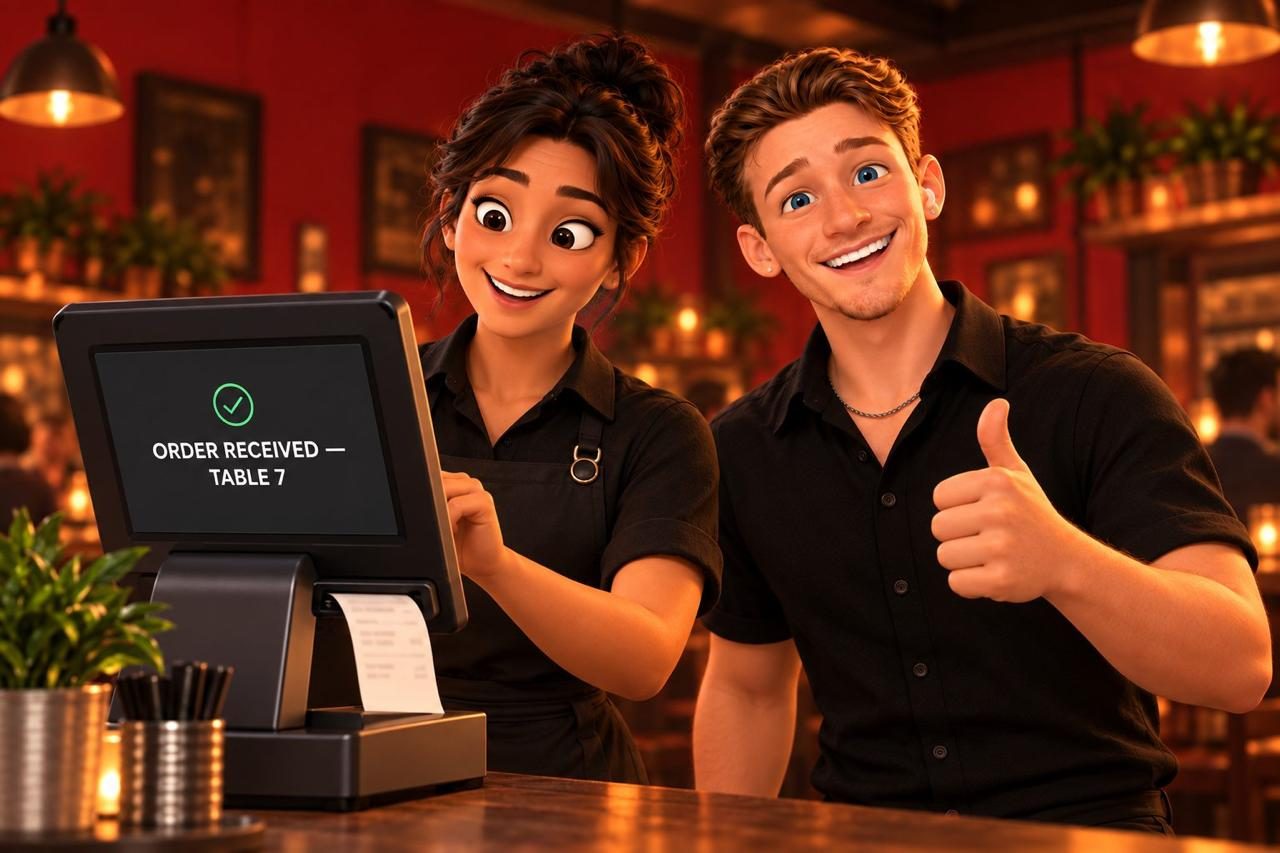
Add to cart, send to the kitchen, and the order is in your POS as a ticket. Guests pay with the server or in-app on your processor. $0 per order, no card ever crosses our system.

POS screen: Order received — table 7
Your call

Two ways to run it. Same menu.

Some restaurants want guests ordering from the phone. Some want the waiter to take it, the way they always have. It's one switch, and you still get the numbers either way.

MENU MODE

The waiter takes the order

Guests read, browse, like, join the list. They tell the server what they want. We read every sale from your POS, so "ordered 242 times this week" and the For You pairs are real. Zero integration risk; works on every POS on day one.

SquareCloverToast
ORDERING MODE

Guests send it to the kitchen

Add → Send to kitchen. The ticket lands in your POS with the table number. Pay with the server, or pay in-app through your own Square or Clover account. Per-guest history becomes exact — that's the campaign engine.

SquareCloverToast via partner
Attribution, when the waiter takes the order

Tap your chair. That's the whole sign-in.

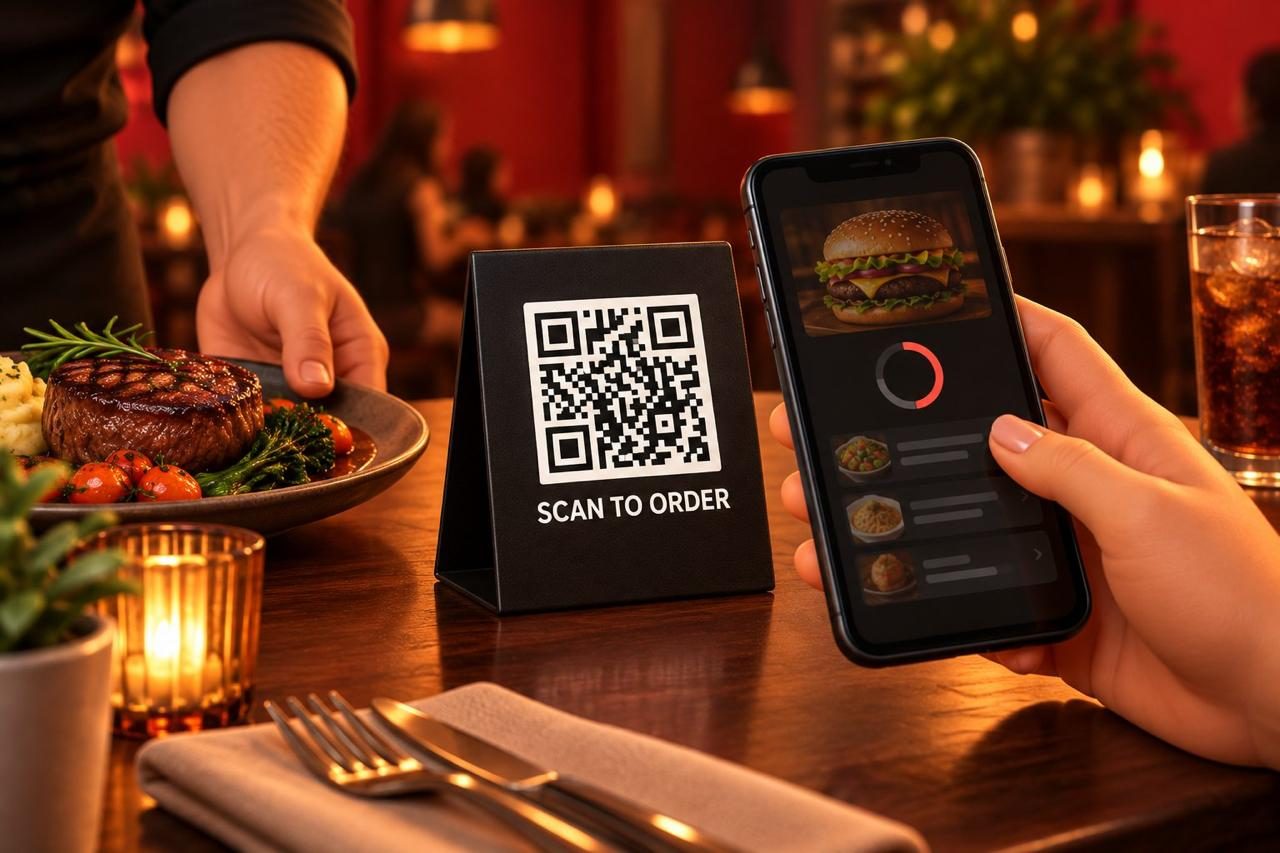
Every table gets its own QR link, numbered the way your POS numbers it. When a guest scans, the menu shows your floor plan in grey with their table highlighted and asks them to tap the chair they're in. An email is optional. That's it — no table number to type, no app, no login, no extra step for your staff. Chair + table + the POS ticket is who ordered what.

  • The ticket your server keys in already carries the table. We match it to the phone at that table, in that sitting.
  • If they gave a seat, we know who at the table. If they didn't, we still know the table — and every dish is still counted.
  • Four people, one phone scanned? Fine. One profile, one email, general campaigns. The moment a second person scans, they get their own.
  • Not everyone will do it. Nobody has to. The dish numbers are exact regardless; the person-level history gets better the more people scan.
"I completely understand, Mr. Owner. But something you can't do right now, even if you wanted to, is print a menu in every language."
A guest scanning the table's QR code
$0 ITEM

"Bring me a paper menu"

A button on every menu. Tapping it sends a zero-dollar ticket to the pass with the table number. Nobody has to feel forced onto a phone.

YOUR FLOOR, YOUR RULES

The waiter still hosts

"The QR on the table has the whole menu in your language, with stories and the team's picks. Any questions, I'm right here — or I can grab you a paper one." That's the script. Tips don't change.

IF THEY DO ORDER FROM THE PHONE

The server confirms, doesn't key

"I saw you sent in the burger and the wings — anything to drink?" The ticket's already in. Their job gets faster, not smaller.

Payments

Your processor. Your rate. Your account.

When a guest pays in-app, the card form is your POS's own tokenised field. The money lands in the account you already have, at the rate you already pay. We never see a card number, which also keeps you — and us — out of PCI scope.

  • Square: paid in-app through your Square account, the order appears on your POS and kitchen display automatically
  • Clover: order sits open on the device and can be paid at the counter, or paid in-app
  • Or skip payment entirely: the waiter brings the bill, exactly as today
"Marketplaces charge 15–30% on every order. We charge 0%. It's your guest."
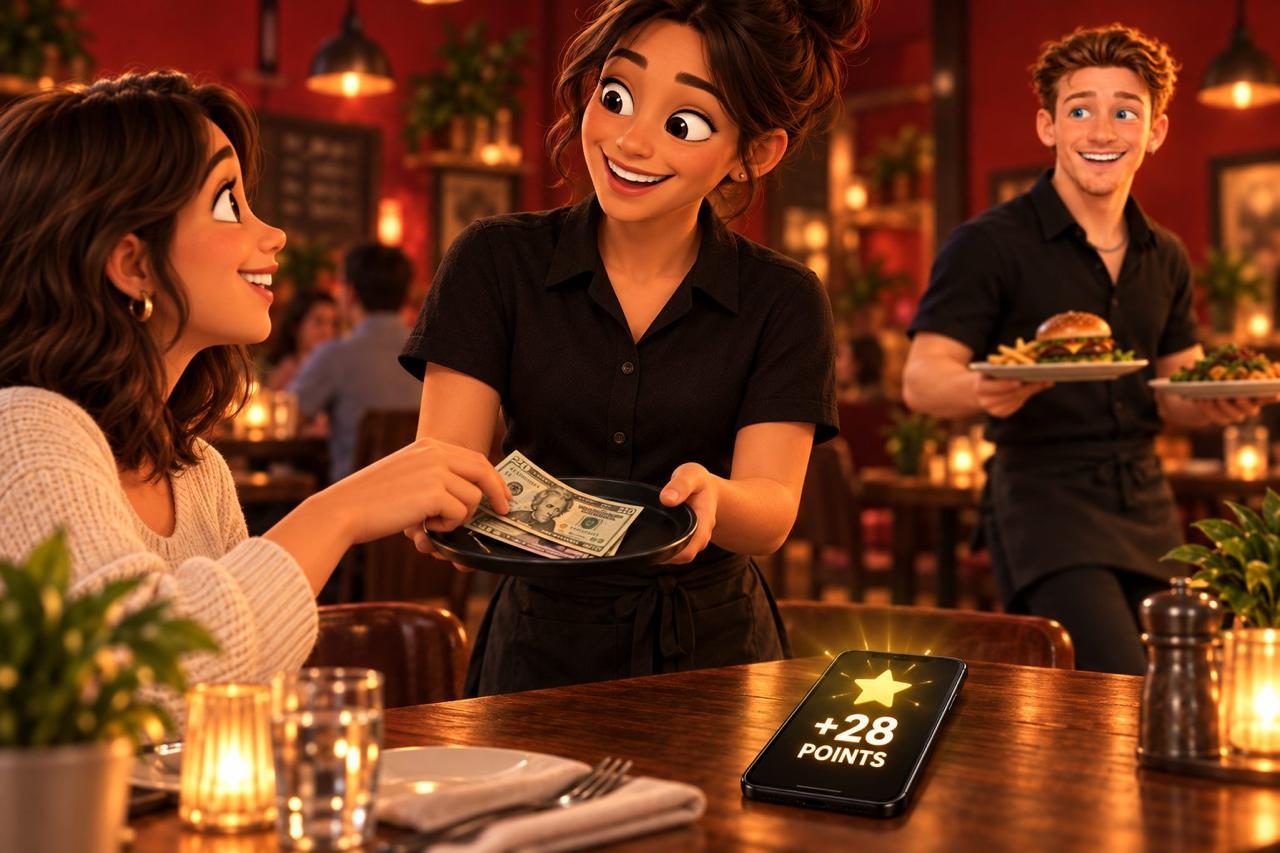
A guest paying the server in cash while her phone shows +28 points
Closing out

They close out. You get the review.

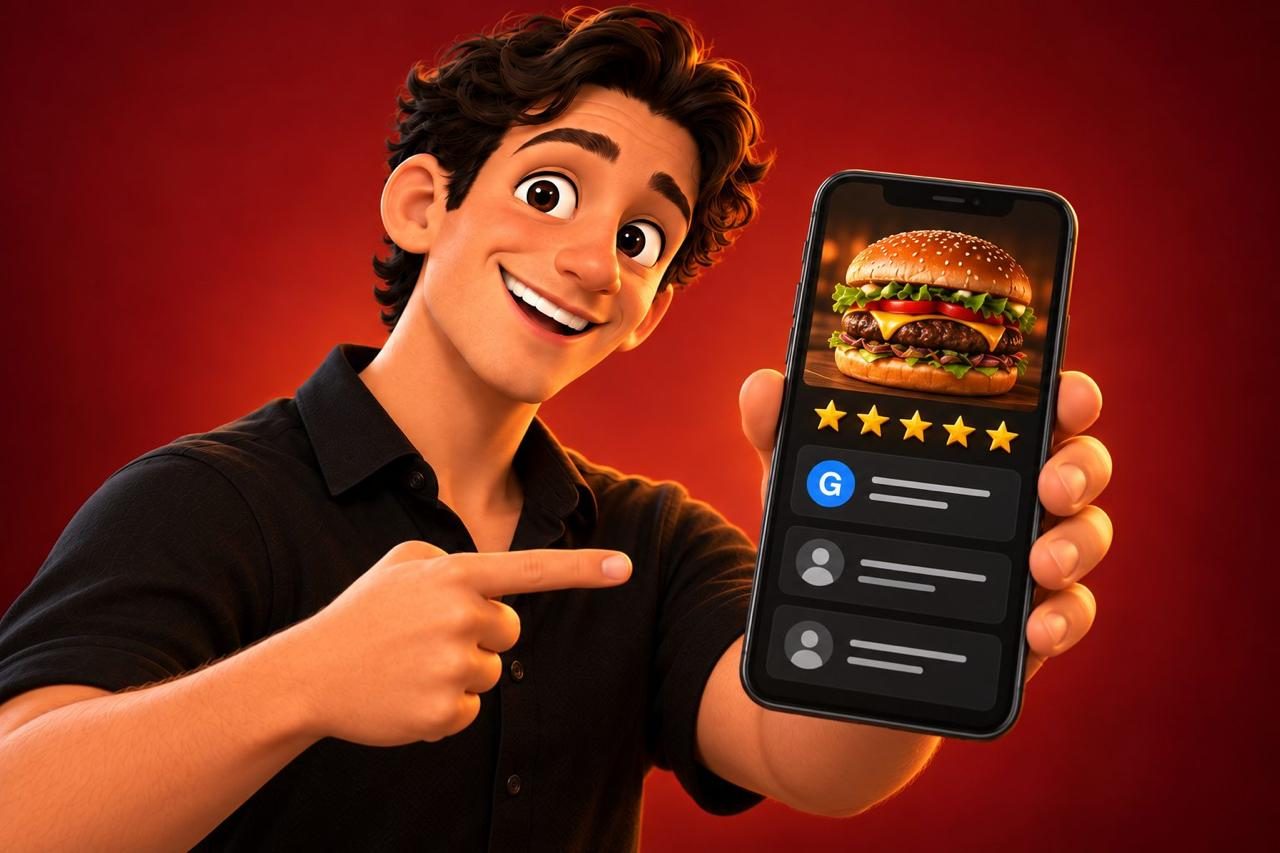
When a guest closes their tab from the phone, the card on file is charged through your processor and the menu asks one question: how was everything? Three faces. A happy face goes straight to your Google review page, in the same tab, no app switch. Anything less opens a box that goes to you — not to Google.

  • Card charged only at close-out, through your own Square or Clover
  • Forgot to close out? The tab charges itself after 12 hours. Toggle it off if you'd rather not.
  • Happy face → Google review in one tap. Unhappy → a private note to the owner, on the dashboard the same minute.
  • Every rating is tied to the chair, so you know which table and which dishes it was about
A guest rating the meal on the phone after closing out
How an order travels

Tap to ticket, in five steps.

1
Guest adds dishes, picks table or pickup

Modifiers, sizes and add-ons carry through. The phone already knows their name and points if they've been before.

2
A card goes on file before the order sends — on your processor

Your Square or Clover secure card field; we never see the number. Nothing is charged until they close out. If they forget, the tab closes itself after 12 hours — a switch you control.

3
The order lands in your POS as an open tab

Table number attached. On Square it goes to the KDS; on Clover it opens on the device. Where a POS can't accept outside orders, we print or text the ticket to the pass.

4
The kitchen cooks. The guest sees "sent to the kitchen" and their points

No app, no login, no account creation. Their email — given at checkout — now carries everything they did before.

5
Every sale flows back

Whether it came from the phone or the waiter, each ticket updates "ordered this week", the For You pairs, and the guest's history.

86, live

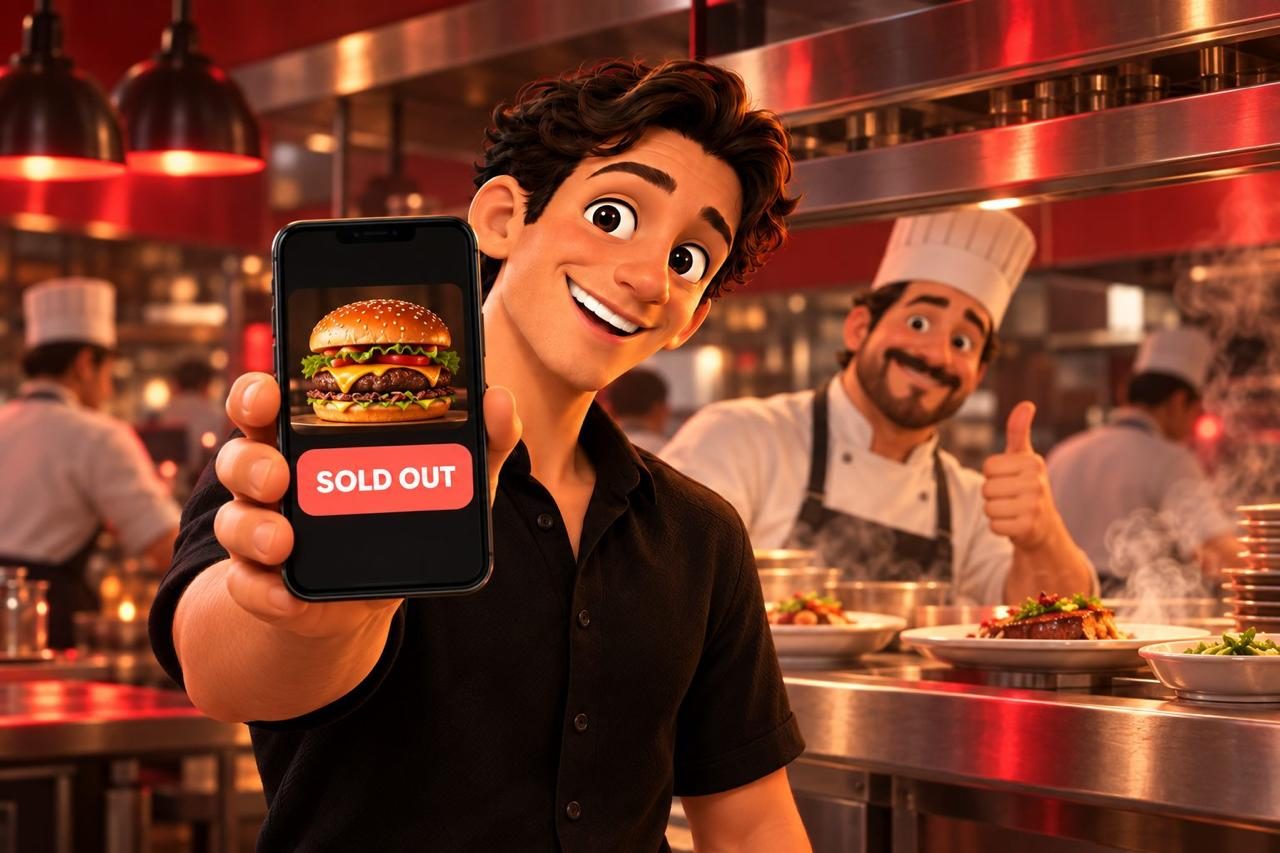
Sold out on the POS means sold out on every phone.

We poll your POS for availability every minute or two. The kitchen marks the branzino out at 7pm; by 7:02 it's greyed on every table, and nobody orders it, and nobody has to be told "sorry."

  • Automatic from Square, Clover and Toast stock status
  • Or tap it out yourself from the menu's admin bar
  • Comes back the same way
A phone showing a burger marked Sold Out, a chef giving a thumbs up
Straight answers

Ordering questions.

Do you take a percentage of orders?

No. Zero, on every plan, forever. We're a subscription, not a marketplace.

Does this replace my POS?

No. It sits in front of it. Square and Clover connect directly; Toast connects for menu and sales today, and for order push through their partner programme. If a POS can't accept outside orders, the ticket prints or texts to the kitchen and a server keys it in — we'll tell you which applies before you pay for it.

What about tips?

Handled by your processor's own form when paying in-app, exactly as with any card payment; or by the server as today.

Can I do pickup orders?

Yes. Pickup is a mode on the same cart; the ticket says pickup and carries the name. Phone orders through the voice agent land the same way.

I'm on Toast. What do I get today?

Menu mode, fully: your menu, prices, modifiers and 86 status pulled from Toast, every sale read back so the numbers are real. Ordering mode on Toast needs their partner programme — see Integrations for the honest version.

Good Food Good People

We'll build your menu before the call.

Twenty minutes, no pressure. You'll be looking at your own menu, in your guests' languages, before we've said hello.