Home/Menus
Menus
Any language.
Actually.
A menu your guests hold for five minutes and understand completely — whatever language they arrived in. Built for you from the menu you already have.
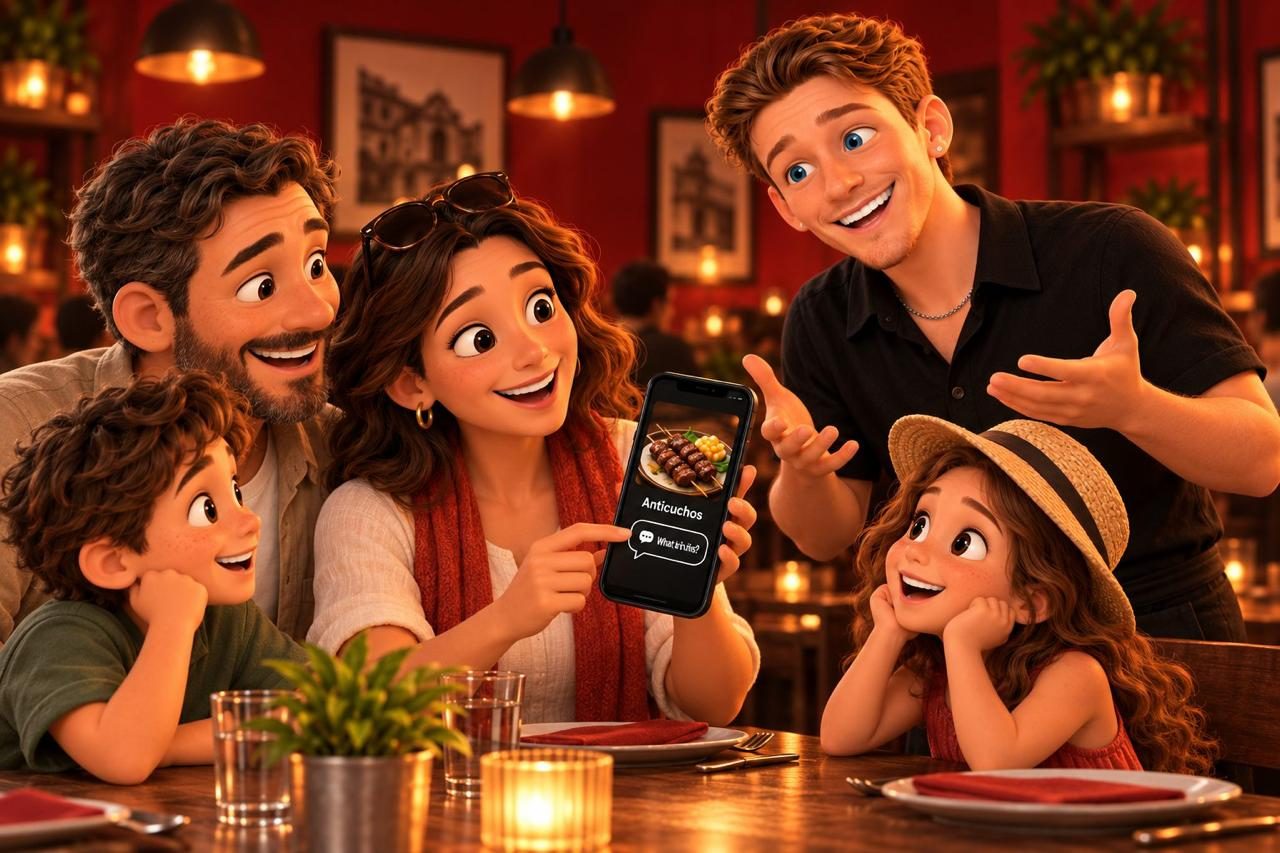
A menu your guests hold for five minutes and understand completely — whatever language they arrived in. Built for you from the menu you already have.
A translator turns Ropa Vieja into "Old Clothes" and Causa into "Cause." We keep the name exactly as you wrote it — so the guest can point, and your server knows what they mean — and translate the description properly.
Calories, protein, carbs and fat on a strip under every dish, as declared by your kitchen. Guests who want it find it; guests who don't never see it.
Gluten, dairy, shellfish, nuts and the rest as chips; vegetarian, vegan and gluten-free as filters. Always labelled as the kitchen's declaration, never ours.
Your best server's recommendation, on every dish, at every table, in every language. "I put one on every table that's deciding." That sentence sells.
Every dish can carry a photo; the stories row at the top plays vertical video. We'll shoot the whole menu for you on a photography day.
Temperatures, sizes, add-ons, "make it vegan" — pulled from your POS so they're always right, priced the way you price them.
86 an item on the POS and it greys out on every phone in the room within a minute. No reprint, no "sorry, we're out."
A row of stories like the ones your guests already swipe on Instagram: tonight's special, what's on tap, the dish that's about to sell out, a reward, a reason to review. Tap one, get a full-screen card with a button.
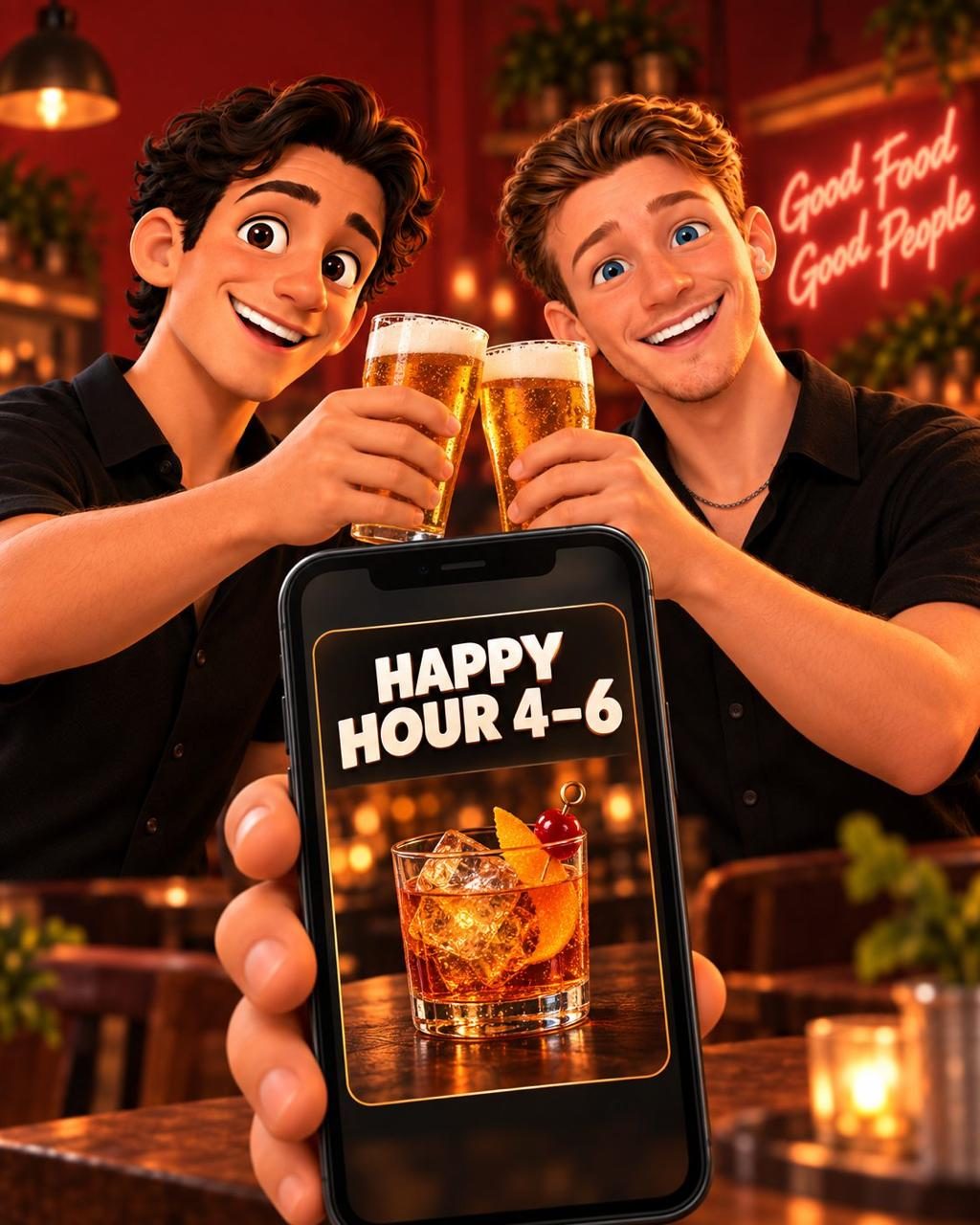
One dropdown. Each menu shows its own hours and its own categories; the QR never changes.
Photo-forward grid for browsing, compact list for regulars who know what they want. The guest picks; the phone remembers.
Follows the phone's setting, with a toggle. Dark for a candlelit room, light for a lunch counter.
Type "shrimp" and see everything with shrimp in it. Filter to vegetarian, seafood, kids, drinks in one tap.
Square and Clover connect in one click. Toast gives you a read-only key. Or send a PDF — we've built from worse.
Languages, glossary, team notes, nutrition where you have it, photos where you have them. About a week.
We send print-ready table tents and stickers. The link never changes, whatever you change on the menu.
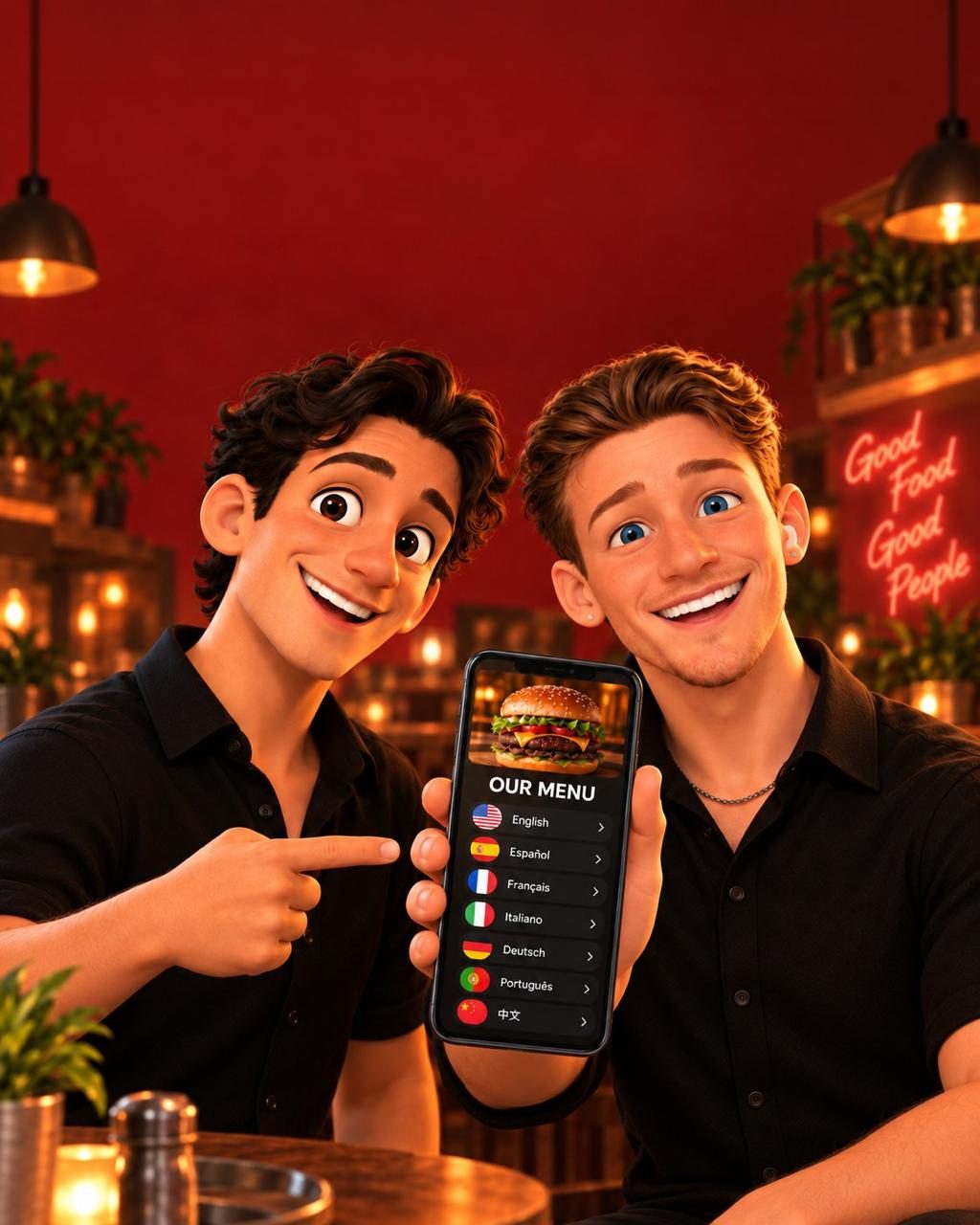
English, Spanish, Portuguese, French, Italian, German and Simplified Chinese ship in the platform. Adding a language is translation work, not a rebuild — tell us what walks through your door.
The descriptions get a human-quality pass and the glossary is written, not generated. Dish names are never touched. We check the result in context — on the phone, on the actual dish — before it ships.
If it's on your POS, the change flows through automatically. New dishes get a translation within a day; prices and 86s are instant.
No. Dishes without a photo show cleanly in both views. Add them as you get them — or book a photography day and get the whole menu shot in an afternoon.
Of course. This is the menu that works for the guests who'd rather use their phone — and it's the one that captures the email, shows the video, and speaks Portuguese.
Twenty minutes, no pressure. You'll be looking at your own menu, in your guests' languages, before we've said hello.